Security cameras for elderly parents
Use consent, privacy, placement, and caregiver-access rules before adding more cameras.
A model-aware checklist for families deciding whether an existing Zmodo camera is still useful, how to set it up safely, and when replacement is the more dependable option.
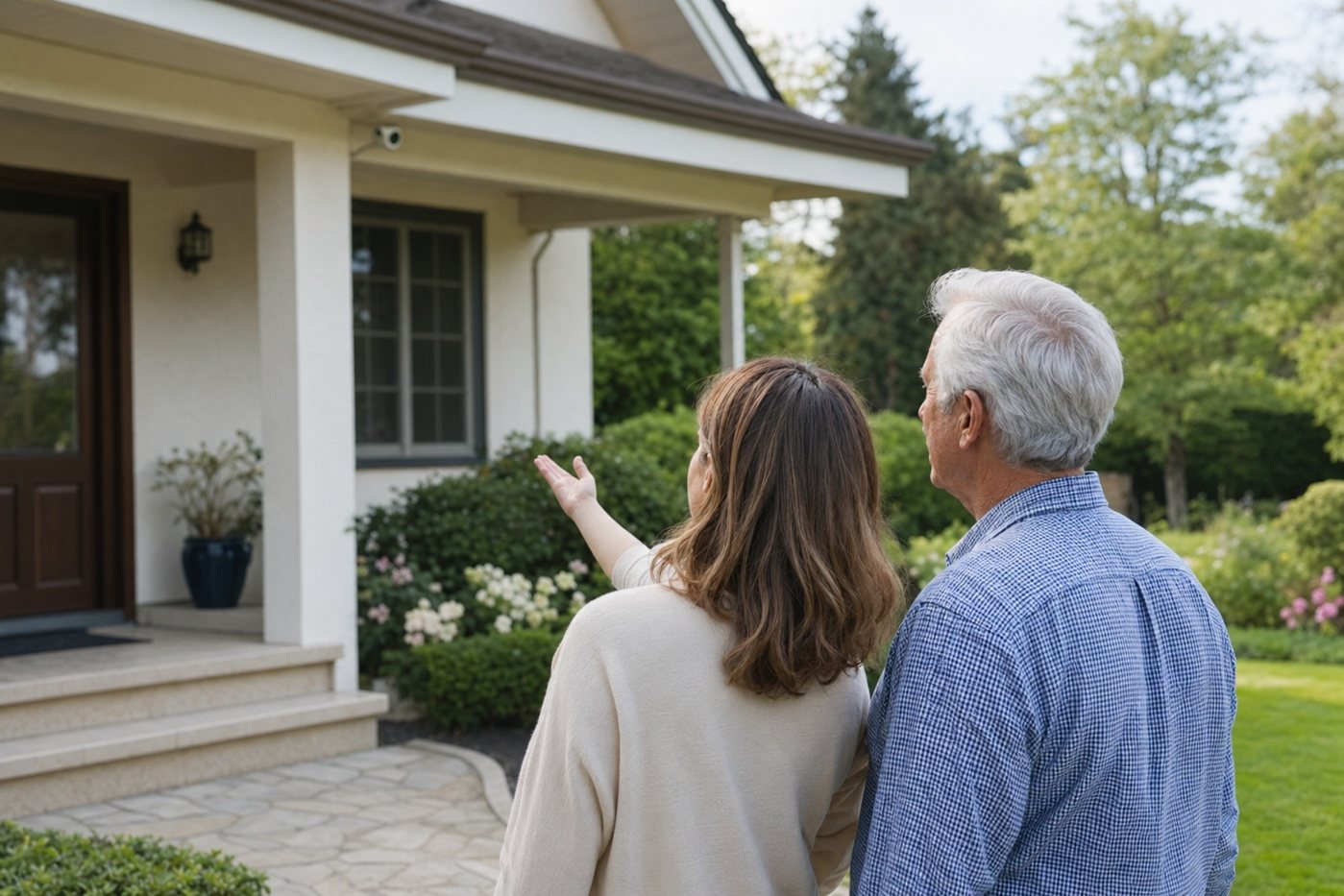
Zmodo has sold many outdoor camera models over time, so features are not consistent across every device. Find the exact model number before relying on instructions about resolution, night vision, storage, app support, weather rating, or Wi-Fi compatibility.
An older Zmodo camera can remain useful if it receives stable power, connects reliably, records retrievable clips, and still receives supported app or firmware updates. If any of those fail repeatedly, replacement may be safer than ongoing troubleshooting.
Choose a sheltered position that covers a door, driveway, gate, or garage approach without aiming deeply into neighbouring property. Keep the camera close enough to capture useful detail and near dependable power and Wi-Fi. Do not ask an older adult to climb a ladder for installation, resets, cleaning, or cable checks.
| Check | What good looks like |
|---|---|
| Power | Correct adapter, weather-protected connection, no damaged cable, and no extension lead exposed to rain. |
| Wi-Fi | Stable live view and saved clips at the final mounting point, including after the door is closed. |
| Night image | Faces or movement remain visible without glare from walls, windows, eaves, or nearby lights. |
| Alerts | Zones exclude trees and roads; the senior receives only alerts they can understand and act on. |
| Recording | Events are saved with the correct time and can be exported by the caregiver or homeowner. |
A replacement should improve maintainability, not merely resolution. Compare wired or PoE power, local recording, named users, two-factor authentication, accessible support, and a mounting position that does not create ladder work.
Use consent, privacy, placement, and caregiver-access rules before adding more cameras.
A current outdoor-camera alternative with several power options and built-in lights.
Compare doorbells, outdoor cameras, storage, subscriptions, and power choices.
Compare complete alarm systems when a standalone camera does not address the main risk.
Possibly, if the exact model still has reliable official app support, secure account access, stable power and networking, and recording that you have tested. Replace unsupported or unreliable equipment.
Check the model's supported Wi-Fi band and security mode, move it near the router for setup, confirm the password, and test whether the network is 2.4 GHz. Use official model-specific reset instructions.
No. A camera can show or record activity, but it does not replace entry sensors, a siren, monitored smoke or CO detection, panic response, or a medical-alert service.