Ring Video Doorbell Pro 2 for Seniors
The main senior-focused review for the hardwired Ring doorbell most closely associated with 3D Motion Detection and Bird's Eye View.
Bird's Eye View can help seniors and caregivers understand where porch motion came from, not just that motion happened. The feature is most useful when a trusted helper configures zones carefully and keeps alerts simple.
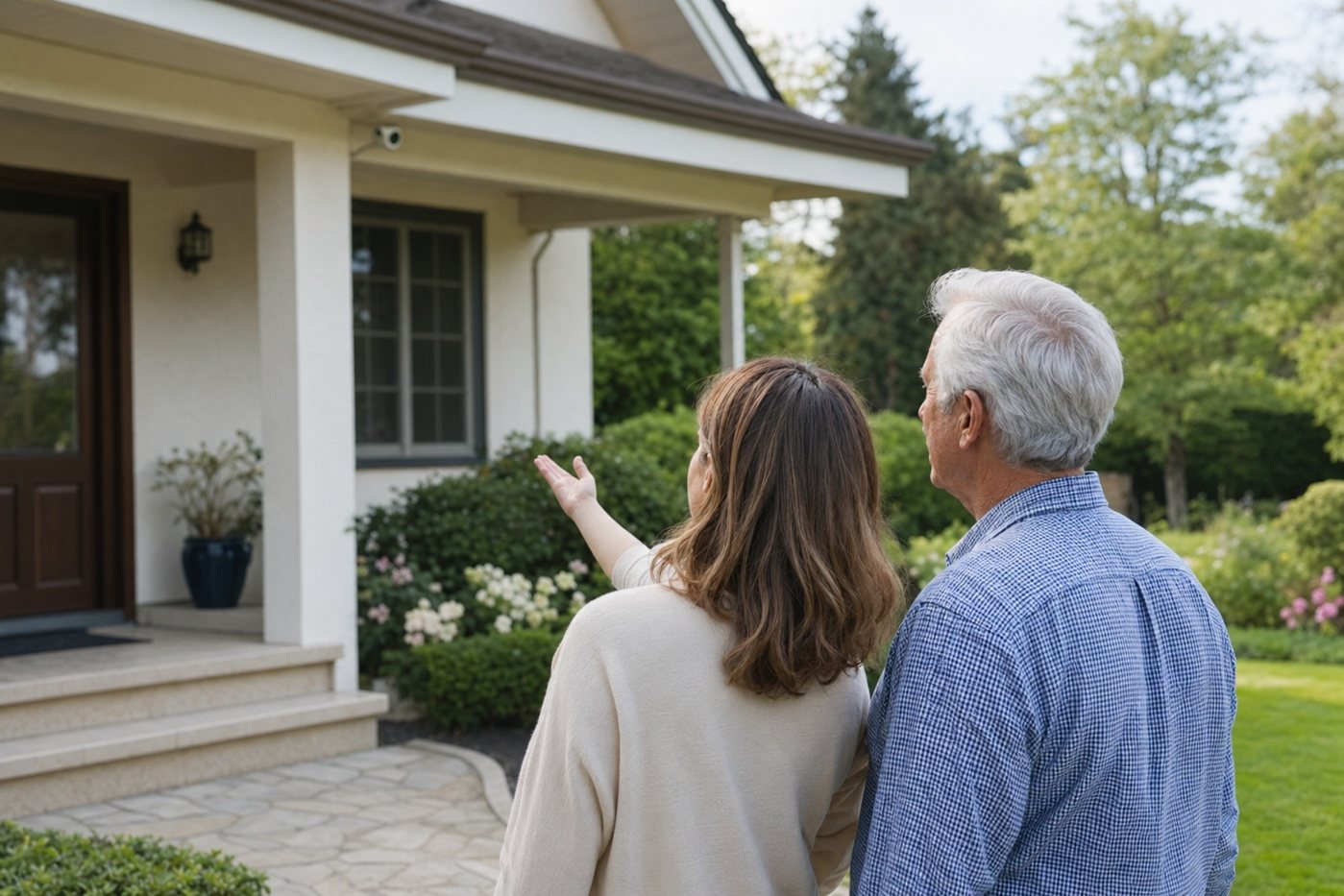
This page explains Ring's Bird's Eye View and Bird's Eye Zones in senior-friendly terms. It is a topic hub for doorbell and camera setups where porch paths, deliveries and confusing motion alerts matter.
The main senior-focused review for the hardwired Ring doorbell most closely associated with 3D Motion Detection and Bird's Eye View.
Shorter hub page for wiring, subscriptions, caregiver access and related Ring doorbell decisions.
Use this before installing any camera so privacy, shared access and emergency routines are agreed in advance.
Compare porch, driveway, side-gate and yard camera placement before relying on motion alerts.
Helpful if Bird's Eye View will be one part of a larger Ring alarm, doorbell and camera setup.
Decide whether a camera-first Ring setup is better than a simpler monitored alarm for the older adult.
On compatible Ring doorbells and cameras, Bird's Eye View uses radar-assisted motion detection to show a path of movement on an aerial-style map. Instead of only seeing a clip from the camera's normal field of view, the app can show whether a person crossed the yard, approached the porch, lingered near a package or walked away.
Bird's Eye Zones are the matching alert-control feature. They let the household define the outdoor areas that should trigger motion alerts, such as the porch, steps or driveway, while ignoring areas that create noise, such as a public sidewalk or busy street.
| Setup step | Why it matters | Caregiver action |
|---|---|---|
| Confirm device support | Bird's Eye features are only on selected Ring doorbells and cameras. | Check the exact model before buying; do not assume every Ring camera includes it. |
| Map only important zones | Large zones can create too many alerts for an older adult. | Start with the porch, steps, path and package drop area; add more only if needed. |
| Exclude public movement | Sidewalks and roads often cause alert fatigue. | Use Bird's Eye Zones and normal motion zones together to remove high-traffic areas. |
| Test day and night | Motion behavior can change after dark, in rain or under porch lights. | Walk the approach route at night and confirm alerts are useful, not constant. |
| Write a response plan | A camera feature does not tell the senior what to do. | Create simple rules: ignore unknown late-night visitors, call a caregiver, or call emergency services for threats. |
Bird's Eye View is best treated as an alert-quality feature. It can make Ring cameras more useful for seniors, but it should not replace clear door-answering rules, shared caregiver access, reliable Wi-Fi and professional monitoring when those matter more.
Ring now refers to Video Doorbell Pro 2 as Wired Doorbell Pro in its current product language. Ring's support pages describe Bird's Eye View as a path view for detected motion and Bird's Eye Zones as custom zones for more relevant alerts on selected devices.