Front-door awareness
A camera can help a senior or caregiver check visitors, deliveries and late-night motion without opening the door.
Wyze cameras can be helpful low-cost visibility tools for a senior's doorway, driveway, garage or side gate. The important question is not whether the camera has enough features; it is whether the setup solves one clear safety problem without overwhelming the older adult or caregiver with alerts.
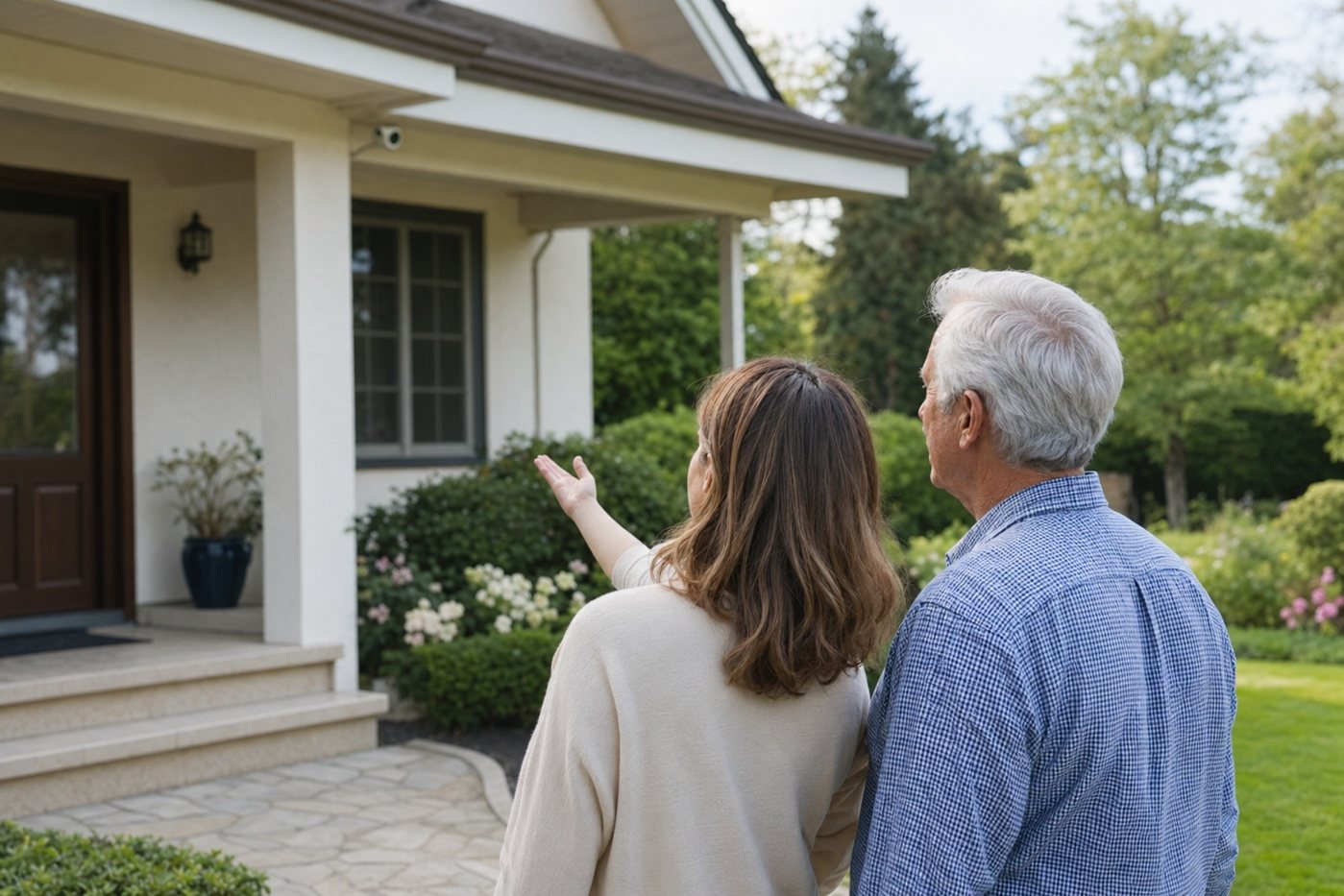
This Wyze tag page is for caregivers comparing Wyze cameras with broader home security options. It focuses on senior usability, privacy, installation burden, notification tuning and what camera-only monitoring does not replace.
Wyze can be a practical camera layer when the family needs to see a front door, driveway or garage area. It should not be treated as the foundation of a senior safety plan because camera notifications do not replace professional burglary, fire, medical-alert or emergency-response services.
| Check | Why it matters for seniors | Caregiver action |
|---|---|---|
| Power and placement | Plug-in cameras reduce battery chores, but cords can create trip hazards or awkward resets. | Route cables safely, label the plug, and avoid locations that require the senior to climb, bend or move furniture. |
| Wi-Fi reliability | Live view, alerts and recordings depend on a stable connection near the camera. | Test the final location for several days before permanent mounting, especially at garages, gates and porches. |
| Recording expectations | Person detection, cloud clips, continuous recording or local storage may depend on model, plan and settings. | Write down what the family expects to record and confirm the exact current settings in the Wyze app. |
| Notifications | Too many motion alerts can make older adults anxious or train everyone to ignore warnings. | Start with fewer alert types, use motion zones, and review notification volume after the first week. |
| Privacy consent | Indoor cameras can feel intrusive even when installed with good intentions. | Prefer exterior views. If indoors, agree on rooms, times, access and who can view recordings. |
| Emergency response | A camera app may show an event without guaranteeing that anyone responds quickly. | Use a written escalation plan, and consider a monitored alarm or medical alert when emergency dispatch matters. |
A camera can help a senior or caregiver check visitors, deliveries and late-night motion without opening the door.
For older adults who worry about vehicles, bins, gates or garage doors, a fixed camera view can reduce repeated trips outside.
Short clips can help family understand whether an alert was a person, pet, passing car, weather event or false alarm.
If the family already owns Wyze devices, they may be useful as secondary cameras around lower-risk areas.
The first week matters most. Adjust motion zones, detection sensitivity and notification schedules until alerts feel boring and useful rather than constant.
A model-specific checklist for older Wyze Cam v3 installs and caregiver setup decisions.
How to balance safety, dignity and privacy when adding cameras to a senior's home.
Compare doorbells, outdoor cameras, indoor cameras and camera-first home security systems.
A camera-forward system to compare when you want broader ecosystem support.
A practical checklist for alerts, emergency contacts, false alarms and family roles.
Why cameras and alarm systems should not be confused with medical-response devices.
They can be good for simple video awareness, especially at entrances, garages and driveways. They are not enough by themselves for emergency dispatch, medical alerts or whole-home security.
Buy only after choosing a clear camera job and checking current models, subscriptions and support. If the family already owns Wyze cameras, start by tuning one useful view before adding more devices.
Start outside: front door, driveway, garage or side gate. These views are practical and usually less privacy-sensitive than indoor monitoring.
Use motion zones, fewer alert types, quiet hours and a one-week review. If nobody knows who should respond to alerts, the camera setup is not finished.