Notification ownership
Decide who receives person, package, motion and doorbell alerts. Too many alerts will make a senior ignore the system; too few can miss the visitor events that matter.
Google Nest Doorbell can be a strong front-door camera for seniors who already use Google Home, but it is not automatically the easiest choice. The best fit depends on wiring, Wi-Fi, who manages alerts and whether the senior is comfortable with app-based visitor screening.
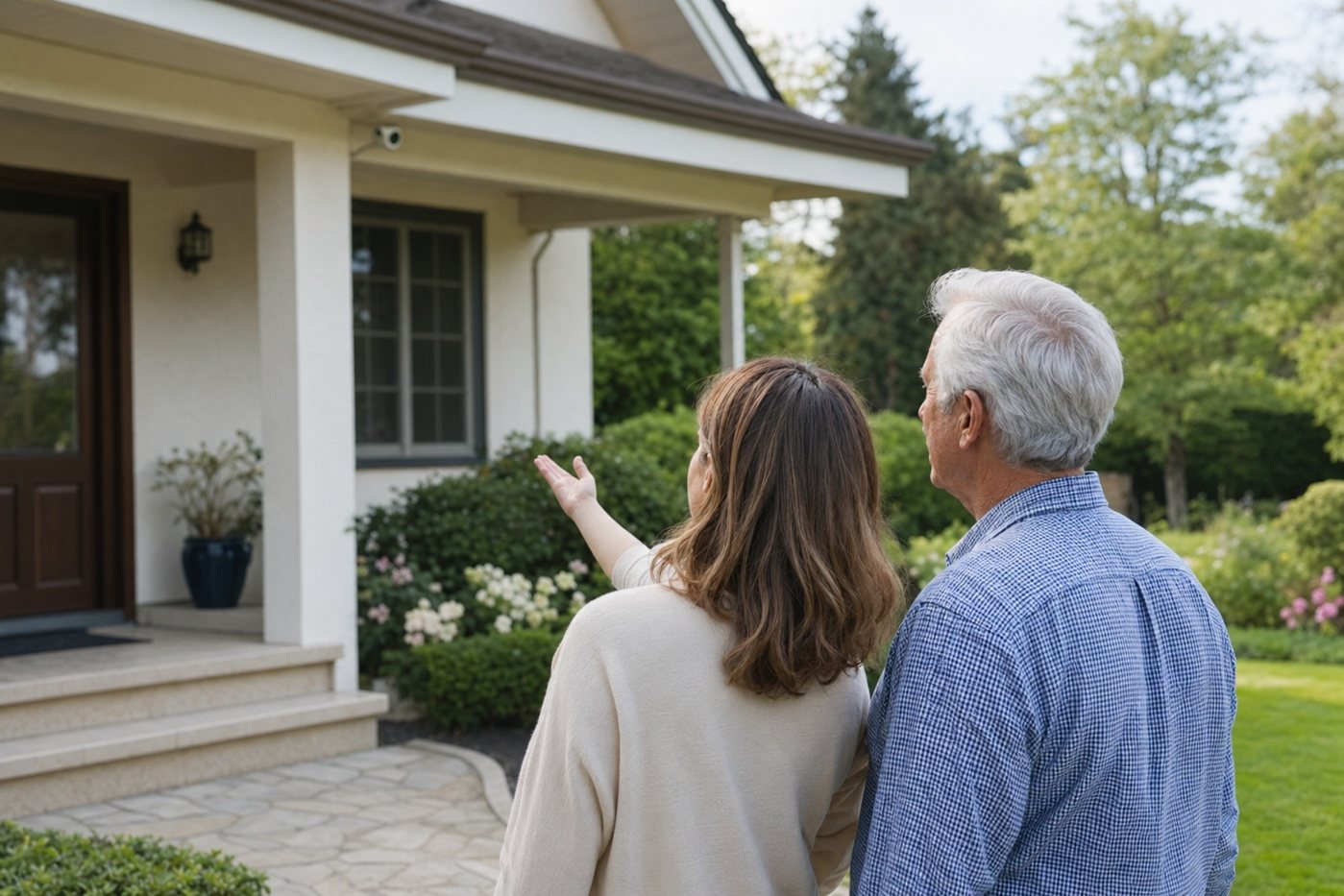
This page turns old Google Nest Doorbell searches into a practical buying and setup guide for older adults, caregivers and families aging in place. It covers battery and wired choices, the newer wired Nest Doorbell generation, Google Home app setup, privacy and the maintenance jobs someone needs to own.
Choose a Google Nest Doorbell when the home has reliable Wi-Fi, the family is already comfortable with Google Home, and a caregiver can tune notifications. Avoid it as the only safety layer for a senior who dislikes apps, has weak Wi-Fi at the porch or needs professional emergency dispatch.
| Choice | Senior-friendly upside | Watch-outs | Best for |
|---|---|---|---|
| Battery Nest Doorbell | No new doorbell wiring in many homes; flexible placement for rentals and older houses. | Someone must recharge it, cold weather can shorten battery life, and wiring it does not make it identical to a dedicated wired model. | Renters, homes without existing doorbell wiring, or families who can manage a recharge calendar. |
| Wired Nest Doorbell | No routine battery removal; better for a main entrance used every day. | Requires compatible transformer/chime setup or installer help. Confirm exactly which generation the retailer is selling. | Owner-occupied homes with working doorbell wiring and a senior who should not handle charging. |
| Newest wired generation | Google's recent wired Nest Doorbell generation adds higher-resolution video and deeper Google Home/Gemini features. | Advanced alerts and longer history may require Google Home Premium, and availability/features can vary by country. | Google Home households that want the most current Nest camera experience. |
For most seniors, wired power is easier long term if the home already supports it. Battery-powered installation is useful, but only if the family treats charging as a real maintenance task rather than something the older adult must remember after alerts stop working.
Decide who receives person, package, motion and doorbell alerts. Too many alerts will make a senior ignore the system; too few can miss the visitor events that matter.
Practice what the senior should do when the doorbell rings: look at a display, use two-way talk, call a caregiver or ignore unknown visitors without opening the door.
Add a trusted caregiver through the proper Google Home sharing flow rather than sharing one password. Review who can view history and change settings.
For battery models, put recharging on a calendar. For wired models, confirm transformer compatibility, chime behavior and backup plan if power or Wi-Fi fails.
| If the senior says... | Choose this setup | Avoid this mistake |
|---|---|---|
| “I do not want another app.” | Use a smart display, simple printed steps and caregiver-managed settings. | Making the senior troubleshoot Google Home notifications alone. |
| “I forget to charge devices.” | Prefer wired installation or assign charging to a caregiver visit. | Buying battery-only because installation looks easier on day one. |
| “I am worried about opening the door.” | Set up visitor screening, two-way talk and a call-caregiver routine. | Assuming a camera automatically stops unsafe door-opening habits. |
| “My Wi-Fi is unreliable.” | Fix router/mesh coverage first or choose a simpler monitored alarm path. | Installing a video doorbell at the edge of weak Wi-Fi coverage. |
Nest Doorbell is strongest for a household already using Google Home, Nest displays, speakers or cameras. In that environment, an older adult may be able to see a visitor on a familiar screen while a caregiver receives the same event on their phone. That shared visibility is valuable when porch safety, package theft or unwanted visitors are the main concern.
The Google ecosystem also matters for long-term support. A caregiver can use one app for cameras, displays and some smart-home routines instead of juggling several brands. The tradeoff is that subscription names, features and app layout can change, so the person supporting the senior should review settings after major Google Home updates.
Yes, when the senior has reliable Wi-Fi, a simple way to see visitors and a caregiver who can manage Google Home settings. It is less suitable if the older adult must troubleshoot app notifications, subscriptions or battery charging alone.
Wired is usually easier long term when compatible wiring exists. Battery is useful for rentals or homes without wiring, but someone must remember charging and test that alerts still work after reinstallation.
No. It can help with visitor screening and recordings, but it does not replace monitored burglary alarms, smoke/CO monitoring, medical alert devices or a clear emergency response plan.
Often yes. Shared access lets a trusted person tune alerts, check battery or power issues and help review events, but the senior should understand who can see recordings and change settings.