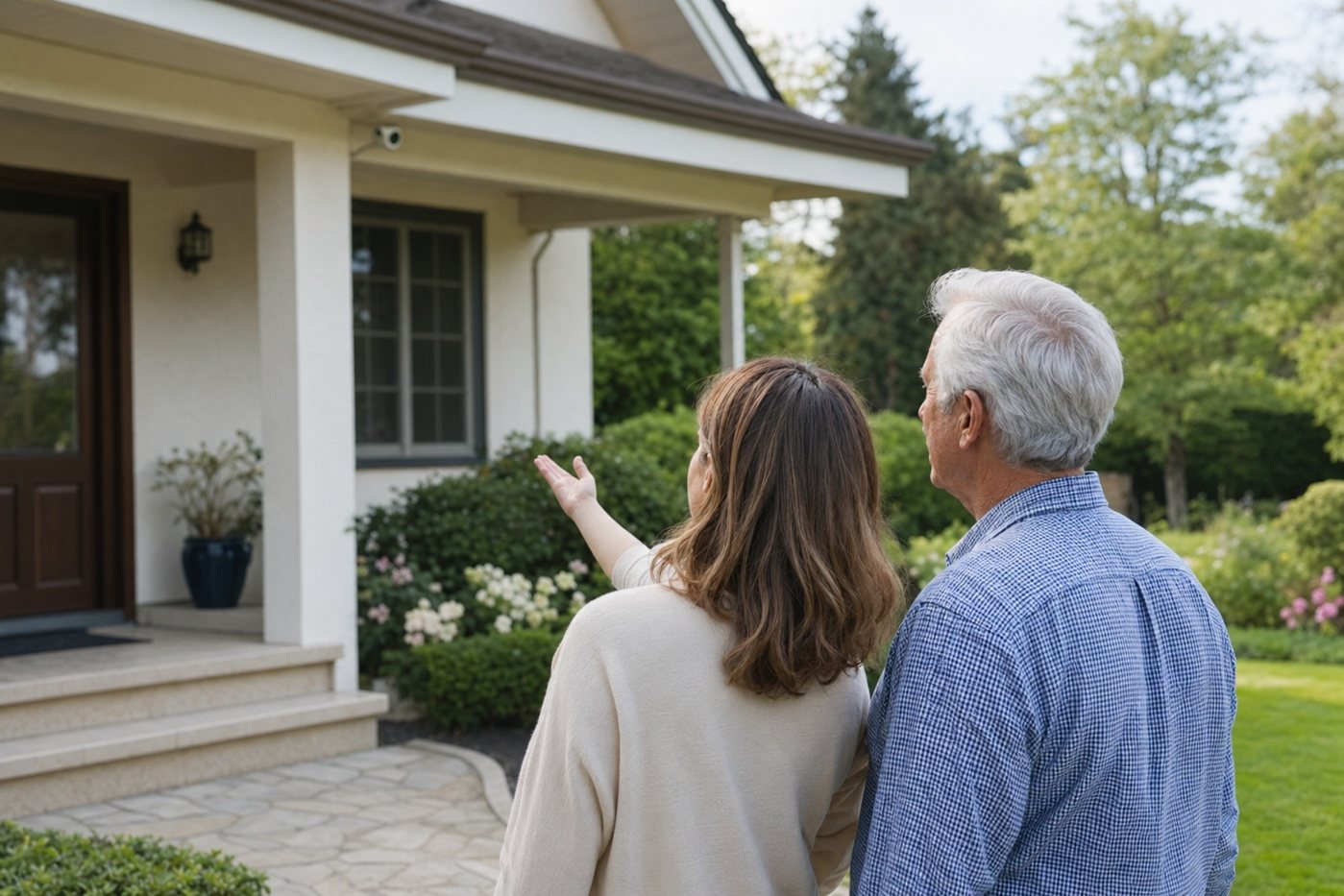
Quick verdict: Lorex earns an 8.1/10 senior-fit score for households that already have compatible doorbell wiring, reliable Wi-Fi and a caregiver who can help set motion zones. It is less ideal for renters, seniors who need professional monitoring, or anyone who wants a very simple all-in-one alarm and doorbell package.
Best for a front door where local recording, two-way talk and weather resistance matter more than a polished monitored-security ecosystem.
Which Lorex doorbell should seniors compare?
| Model | Senior-friendly strengths | Check before buying |
|---|---|---|
| Lorex 2K Wi-Fi Video Doorbell (wired) | 2K HDR video, two-way talk, color night vision, IP65 weather rating, 32GB storage option and dual-band Wi-Fi support. | Confirm transformer power, app compatibility and whether the bundled chime/accessories fit the home. |
| Lorex 4K Wi-Fi Video Doorbell (wired) | Sharper 4K view, 8x digital zoom, two-way talk, 32GB storage and similar wired setup expectations. | Higher resolution can be useful, but Wi-Fi strength and alert tuning matter more for most seniors. |
Why Lorex can work well for older adults
- Local-storage angle: Lorex doorbells commonly ship with onboard storage, which can reduce reliance on cloud subscriptions for basic clip review.
- Weather resistance: current Lorex wired doorbell specs list an IP65 outdoor rating and operating temperature down to -20 C / -4 F and up to 50 C / 122 F.
- Two-way talk: a senior can speak to visitors without opening the door or hurrying across the house.
- Night visibility: color night vision and a clear porch view are useful for evening visitors, deliveries and driveway activity.
- Dual-band Wi-Fi support: 2.4GHz and 5GHz support can help if the router and porch location are suitable.
Where caregivers should be careful
- It is wired: the 2K model lists 16V to 24V AC or 12V to 24V DC power requirements. Do not guess on an older transformer.
- No camera fixes bad Wi-Fi: test signal strength at the front door before installation, especially in brick homes or units with the router at the back.
- Alert tuning matters: focus detection on the porch and step area, not the street or busy footpath.
- It is not a monitored alarm: a Lorex doorbell can support awareness, but it does not replace a monitored home security system or medical alert service.
- App support needs a named helper: decide who updates the app, checks storage and handles password recovery.
Best setup for a senior household
| Setup step | Recommendation |
|---|---|
| Installation | Use a qualified installer if wiring, transformer voltage or chime compatibility is uncertain. |
| Motion zones | Cover the door, steps and package area. Exclude traffic, trees and neighbors' private areas. |
| Notifications | Start with person-focused alerts if available. Add broader motion only after a quiet test week. |
| Shared access | Add one trusted caregiver who can help with settings and clip review. |
| Routine | Write a simple rule: do not open the door for unknown visitors; use talk, call family or call emergency services if worried. |
Lorex vs Ring or Nest for seniors
Choose Lorex when local storage and avoiding a heavily subscription-led experience are priorities. Choose Ring when the family already uses Ring Alarm, Ring cameras or Alexa. Choose Nest Doorbell when the home is already built around Google Home and the senior prefers that app experience.
Frequently asked questions
Is Lorex Video Doorbell good for seniors?
It can be, especially when a caregiver can install or tune it and the home already has compatible wiring. The strongest senior benefits are front-door visibility, two-way talk, weather resistance and local-storage options.
Does Lorex Video Doorbell need a subscription?
Lorex doorbells are known for local storage options, so they may not require the same cloud-recording commitment as some competitors. Check the current app features and storage details before buying.
Should seniors get the 2K or 4K Lorex doorbell?
The 2K model is enough for many porches if Wi-Fi is strong and motion zones are tuned. The 4K model may help with sharper detail, but it does not solve installation, Wi-Fi or alert overload problems.