Best Home Security Systems for Seniors
Our main ranking page comparing monitoring, installation, contracts, keypad usability and caregiver fit.
The right home security system for an older adult is usually the one that is easiest to use every day, easiest for caregivers to support, and clearest about who responds when something goes wrong.
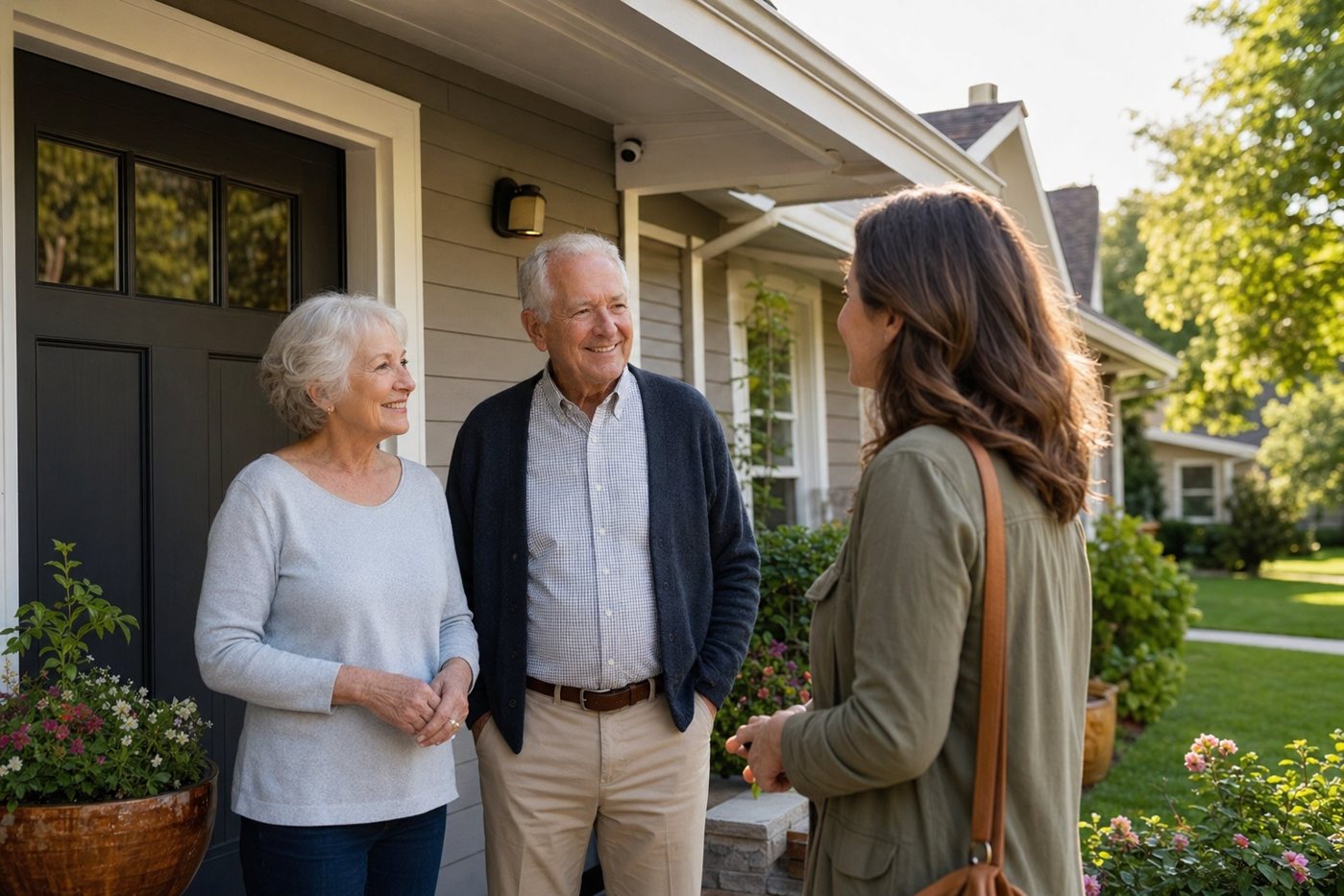
Use this hub to compare monitored systems, DIY kits, camera-first setups and professional installation through a senior-first lens. The goal is not the most complicated smart home; it is a calm system that protects doors, reduces confusion, supports caregivers and still works when the senior is tired, rushed or not using a phone app.
Our main ranking page comparing monitoring, installation, contracts, keypad usability and caregiver fit.
A no-contract system to consider when family can help with setup and ongoing testing.
A traditional monitored option for families who value professional installation and emergency dispatch.
A simpler monitored alternative to compare for keypad routines, alerts and monthly cost clarity.
A camera-friendly ecosystem that can fit families already using Ring doorbells or cameras.
Assign alerts, passwords, emergency contacts, batteries and false-alarm procedures before relying on the system.
| System type | Good fit | Main caution | Caregiver question |
|---|---|---|---|
| Professionally monitored alarm | Seniors living alone, frequent travellers, or families who need backup when phone alerts are missed. | Contracts, false-alarm fees and confusing cancellation terms can create stress. | Who verifies the contact list every quarter? |
| DIY no-contract kit | Older adults who can handle a keypad or app with family help and want lower commitment. | Installation, sensor placement and battery maintenance become the family's responsibility. | Who owns setup, testing and troubleshooting? |
| Camera-first setup | Front-door, driveway, garage or package awareness where video is the main need. | Cameras do not replace emergency dispatch, smoke/CO monitoring or medical alerts. | Who receives alerts, and when should they act? |
| Professional installation | Seniors who should not climb, drill, configure Wi-Fi or troubleshoot sensors. | Higher upfront cost is only worthwhile if the daily routine remains simple. | Did the installer leave written steps the senior can actually follow? |
| Apartment-friendly system | Renters, assisted-living-style apartments, or homes where drilling is not allowed. | Adhesive sensors, Wi-Fi coverage and battery life need closer follow-up. | Do lease rules allow the device locations? |
Before buying more equipment, walk through one normal morning and one late-night return home. If the senior cannot arm, disarm, answer a door alert and call for help calmly, simplify the plan.
Most seniors do best with a simple monitored or no-contract system that has clear daily controls, forgiving entry delays and caregiver support. The best choice depends on whether professional installation, emergency dispatch or low monthly commitment matters most.
DIY systems can be safe when a caregiver can handle installation, testing and support. If setup requires ladders, Wi-Fi troubleshooting or complex apps, professional installation may be safer.
Cameras can be helpful at entrances and driveways, but they are optional. They should not replace monitored alarms, smoke/CO monitoring, medical alerts or a written response plan.
Use clear printed steps, longer entry delays, simple passcodes, well-placed sensors and regular practice. Make sure the monitoring company has the right contacts and cancellation process.