Best Home Security Systems for Seniors
Our main ranking page for comparing senior-friendly systems by monitoring, setup, pricing clarity, keypad usability and caregiver fit.
Home security for an older adult should feel calm, predictable and easy to live with. Start with the senior's daily routine, then choose monitoring, cameras, sensors and caregiver access around that routine.
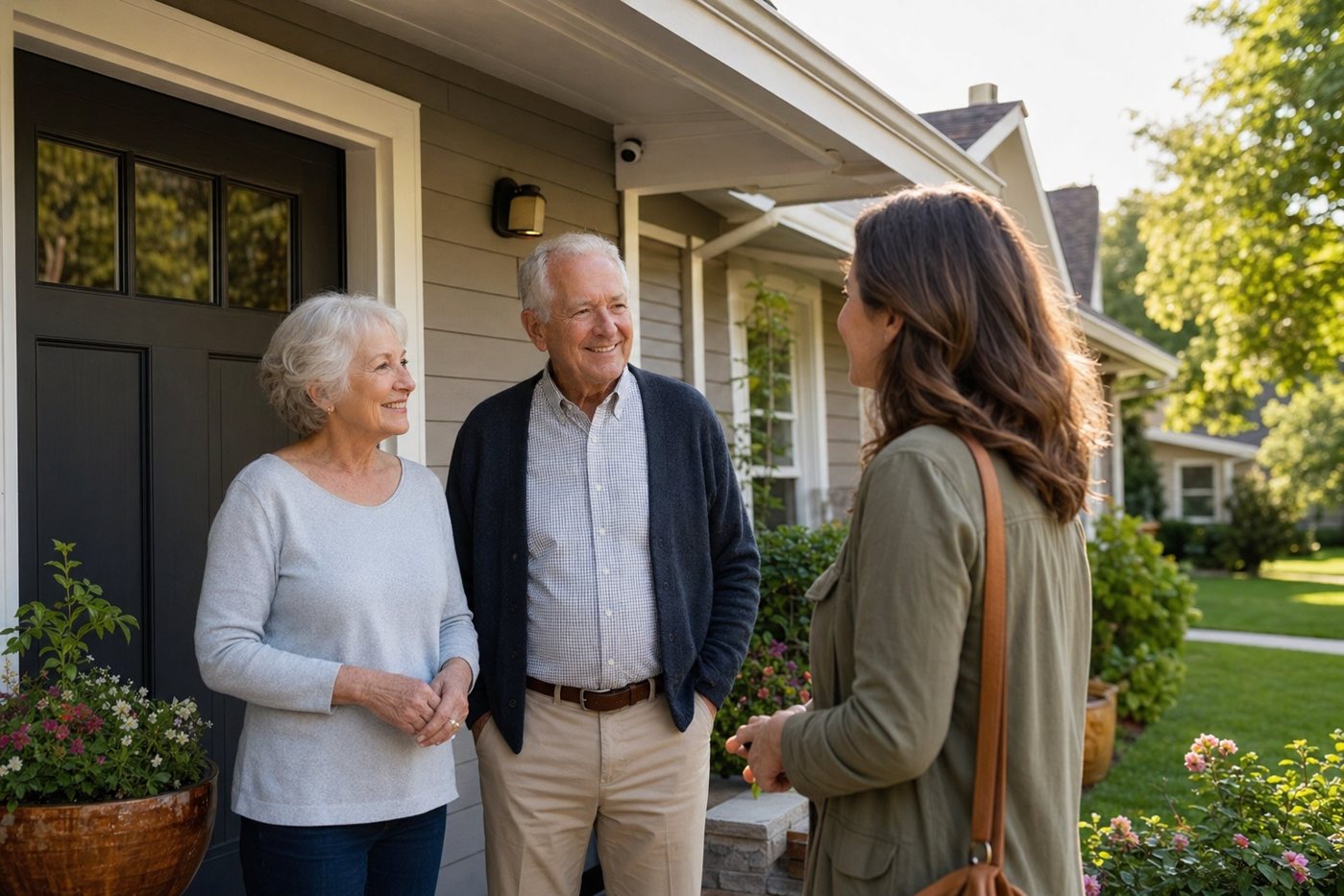
Use this hub as the starting point for senior-friendly home security decisions. It brings together the main rankings, reviews and caregiver guides on this site, with extra context on what matters most for older adults: simplicity, emergency follow-through, low false-alarm friction, privacy and ongoing maintenance.
Our main ranking page for comparing senior-friendly systems by monitoring, setup, pricing clarity, keypad usability and caregiver fit.
A practical setup checklist for emergency contacts, alert ownership, passwords, false alarms, device labels and maintenance routines.
Safety planning for older adults who need deterrence, monitoring, trusted check-ins and simple routines without feeling watched.
Helps decide whether a senior can manage setup independently or whether a professional installer is the safer, less stressful route.
Guidance on camera placement, shared access, privacy boundaries, notifications and avoiding caregiver surveillance creep.
Important distinction: burglary alarms and cameras do not replace fall detection, emergency buttons or medical-response services.
| Path | Best for | Watch-outs | Helpful pages |
|---|---|---|---|
| Monitored alarm system | Seniors who want emergency dispatch and a clear keypad routine. | Confirm monthly cost, cancellation terms, entry delays and false-alarm procedures. | SimpliSafe, ADT, Cove |
| DIY no-contract system | Families who want flexibility and can help with setup and testing. | Someone must own batteries, app access, Wi-Fi and support calls. | No-contract guide, SimpliSafe vs Ring |
| Professional installation | Seniors who should not climb ladders, configure routers or troubleshoot sensors. | Higher cost can be worth it only if the installer leaves a simple daily routine. | Installation guide, Vivint |
| Camera-first setup | Caregivers who need front-door, driveway or package awareness. | Cameras do not guarantee emergency response and can create privacy issues indoors. | Camera hub, Outdoor cameras |
| Apartment or rental setup | Older adults who cannot drill, rewire or make permanent changes. | Check lease rules, adhesive mounts, Wi-Fi coverage and battery routines. | Apartment security, Wire-free installation |
List who gets called first, who has keys, which neighbor can check the home, and when to call emergency services. Do this before the first alarm.
Make sure the senior can use the system without opening multiple apps. A keypad, panic button, fob or clear printed steps may matter more than advanced features.
Confirm cellular backup, battery backup and what still works if Wi-Fi fails. This is especially important for seniors living alone.
Use cameras for practical safety points first: exterior doors, driveway, garage and package areas. Discuss indoor cameras clearly and revisit consent over time.
The best home security setup for a senior is the one they can live with every day: easy to arm, easy to cancel, easy to understand, and backed by a caregiver or monitoring plan when something actually goes wrong.
There is no single best system for every senior. Most families should compare a simple monitored system, a no-contract DIY system and a professional installation option, then choose based on the senior's comfort with keypads, apps, monthly costs and emergency follow-through.
Usually not by themselves. Cameras can help with awareness and recordings, but they do not replace monitored burglary response, smoke/CO monitoring, medical alert buttons or family check-in routines.
Often yes, but access should be limited and agreed upon. A caregiver may need to manage alerts, batteries, recordings and emergency contacts, while the senior should still understand who can see what.
DIY can be safe when the system is simple and a caregiver can help with installation, testing and maintenance. If setup involves ladders, wiring, router changes or complex apps, professional installation may be safer.