Assign an owner
Decide who will receive alerts, review recordings, update HomeKit settings and help after router or phone changes. Do not make the senior the only technical support person.
The Logitech Circle View wired doorbell is best for seniors who already live in an Apple HomeKit household and have a caregiver comfortable managing the Home app. It can be a private, useful visitor-screening tool, but it is not a simple plug-and-play safety system for every older adult.
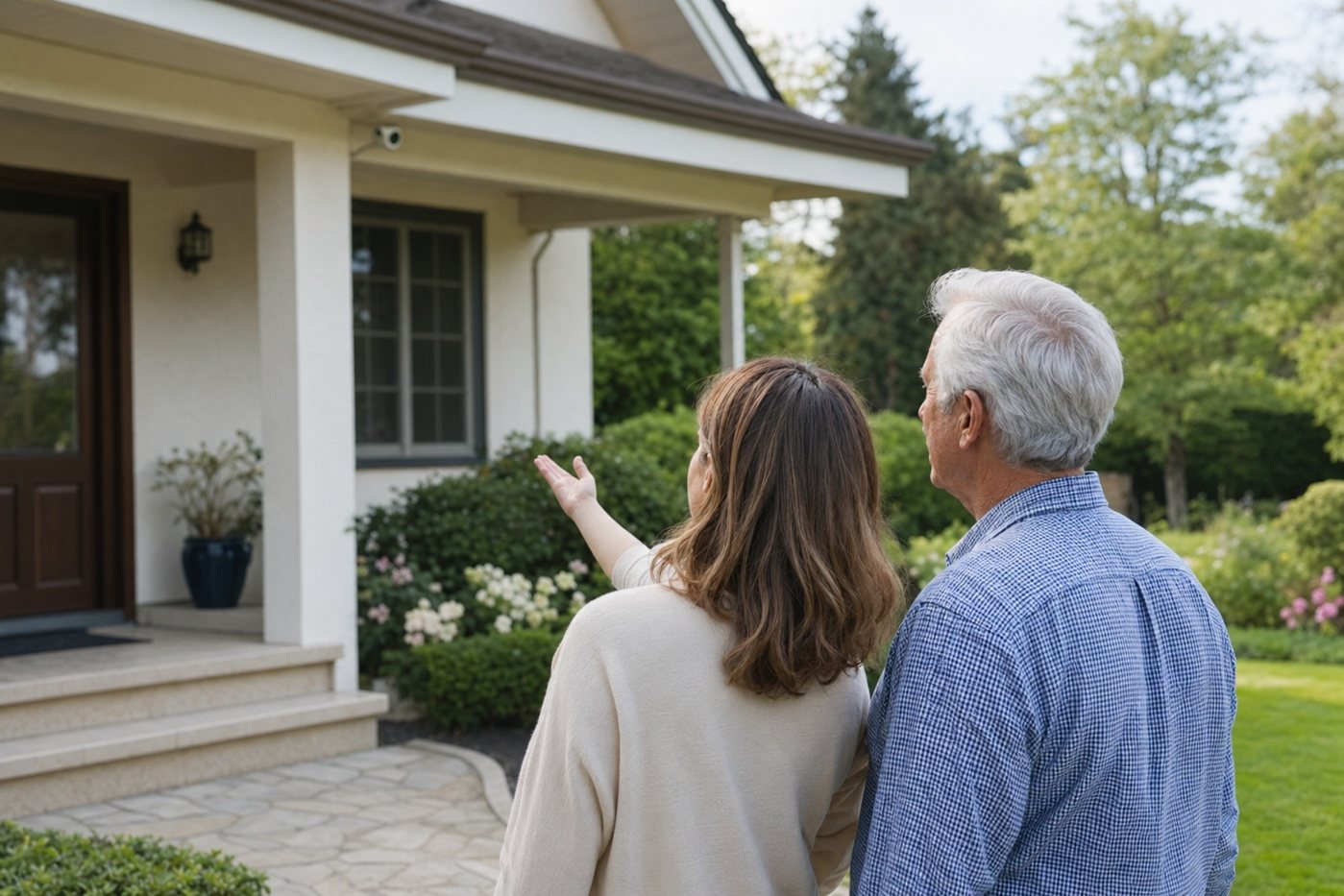
This page turns an old product listing URL into a practical senior-safety guide. It covers the Apple-only setup, wired doorbell requirements, alert sharing, privacy decisions and the situations where a monitored home-security system or a simpler video doorbell may be safer.
Choose Logitech Circle View Doorbell when the senior uses iPhone/iPad, the home has strong porch Wi-Fi, compatible low-voltage wiring and a trusted person who can manage HomeKit Secure Video settings. Skip it if the household uses Android/Google/Alexa as the main platform or if no one can handle wiring and app support.
| Requirement | What to confirm | Why it matters for seniors |
|---|---|---|
| Apple HomeKit household | The senior or caregiver uses Apple devices and is willing to manage the Apple Home app. | The doorbell is designed around Apple HomeKit; it is the wrong choice for a mostly Android or Alexa household. |
| Home hub and iCloud plan | Confirm the current Apple requirements for HomeKit Secure Video recording, sharing and history. | Live viewing may be easy, but recorded clips and smarter alerts need the right Apple setup. |
| Doorbell wiring | Existing wired doorbell system, compatible transformer/chime and safe low-voltage wiring. | A senior should not be left troubleshooting transformers, chime kits or loose wiring. |
| Porch Wi-Fi | Test video from the exact mounting spot before relying on it. | Weak Wi-Fi creates delayed rings, missed clips and caregiver frustration. |
| Mounting location | Check shade, weather exposure, approach angle and whether visitors can be seen clearly. | Direct sun, poor angle or glare can reduce usefulness at the exact time the senior needs it. |
Decide who will receive alerts, review recordings, update HomeKit settings and help after router or phone changes. Do not make the senior the only technical support person.
Start with doorbell presses and person events, then reduce motion alerts that do not help. Alert fatigue makes any camera less useful for older adults.
Practice what the senior does when someone rings: check the screen, use two-way talk, call a caregiver or ignore the visitor without opening the door.
Aim the camera at the entry, avoid neighboring private areas and explain who can see live video or recordings. Consent matters even inside a family.
| Option | Senior-friendly upside | Watch-out | Best for |
|---|---|---|---|
| Logitech Circle View Doorbell | Strong Apple Home integration, privacy-focused HomeKit Secure Video and no separate doorbell app to learn. | Apple-only fit; requires wired installation and HomeKit comfort. | iPhone/iPad households with caregiver setup help. |
| Google Nest Doorbell | Good for Google Home displays and shared Google Home households. | Not ideal if the family is Apple-only or dislikes Google account management. | Google Home households that want smart display viewing. |
| Ring Video Doorbell Pro 2 | Broad ecosystem, familiar app and strong doorbell feature set. | Subscription and privacy settings need review; alert tuning is important. | Families already using Ring or Alexa. |
| Monitored security system | Can pair door sensors, smoke/CO monitoring and emergency response with a simple keypad. | Higher cost and contract terms need careful review. | Seniors who need a full safety plan, not only a porch camera. |
For the right Apple household, a wired HomeKit doorbell can reduce risky door-opening habits. A senior can see a visitor before approaching the entry, a caregiver can receive the same event, and recorded clips can help confirm package deliveries or repeated unwanted visits.
The most valuable feature is not the camera alone; it is the routine around it. If the senior knows exactly when to ignore the door, when to speak through the app and when to call a trusted contact, the doorbell supports safer behavior instead of becoming another confusing gadget.
Yes, for Apple HomeKit households with reliable wiring, strong Wi-Fi and caregiver setup help. It is less suitable when the senior would need to manage Home app settings, iCloud recording and alerts alone.
It is built for Apple HomeKit and HomeKit Secure Video. If the household mainly uses Android, Google Home or Alexa, another video doorbell will usually be a better fit.
No. It is a wired doorbell that replaces a compatible existing wired doorbell system. Have a qualified installer check wiring and transformer compatibility if there is any doubt.
No. It helps with visitor screening and recordings, but it does not replace monitored burglary, smoke/CO response, medical alert devices or a broader home-safety plan.