Ring Video Doorbell Pro 2 for Seniors
A wired doorbell option often associated with advanced motion features, including setup considerations for older adults.
3D motion detection can be genuinely helpful for older adults when it reduces false alerts and makes the camera react to people at the door instead of every passing car.
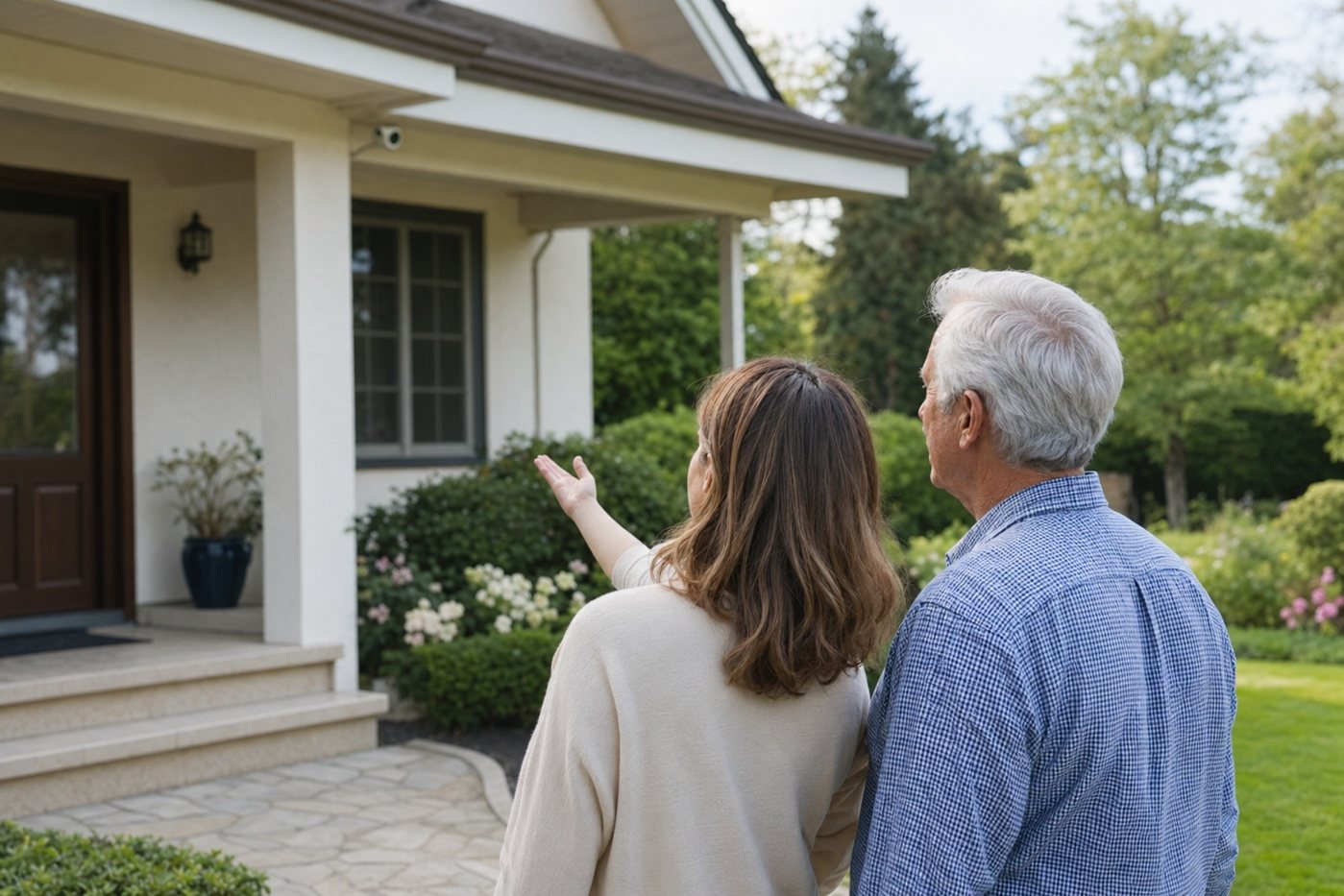
This page explains the “3D motion detection” feature found on some video doorbells and outdoor cameras in plain language. For senior households, the goal is not more technology. The goal is fewer distracting alerts, safer visitor screening and camera settings that a caregiver can tune once and leave alone.
Basic motion detection reacts when pixels change in the camera view. 3D motion detection adds distance and direction awareness so the camera can better understand where movement starts and how close it is to the home. In practice, that can help a doorbell ignore activity on a busy street while still alerting when someone walks up the path.
Use 3D motion detection to narrow alerts to the porch, ramp, driveway or gate area an older adult actually needs to know about.
A wired doorbell option often associated with advanced motion features, including setup considerations for older adults.
Start here if you are comparing indoor cameras, outdoor cameras, doorbells and caregiver access.
Privacy, placement and family-sharing guidance for camera setups around an older parent’s home.
Related map-style motion history that can help families understand movement around an entrance.
It can be worth it for a busy street, shared driveway or porch where ordinary motion alerts are too noisy. If the home is quiet and alerts are already reliable, it may not be essential.
Not by itself. It mainly helps with distance and motion direction. Some cameras combine it with person detection or package alerts, but those are separate features.
Ideally a caregiver or installer should set the zones with the senior present, then test the alerts from the walkway, porch and driveway before relying on them.