Front-door screening
A camera can help a senior see visitors, deliveries and late-night activity without opening the door.
Arlo Essential cameras can be a useful layer for a senior's front door, driveway, porch or side gate. The right setup is simple: one or two views, clear caregiver permissions, quiet notifications and a written plan for what happens when an alert matters.
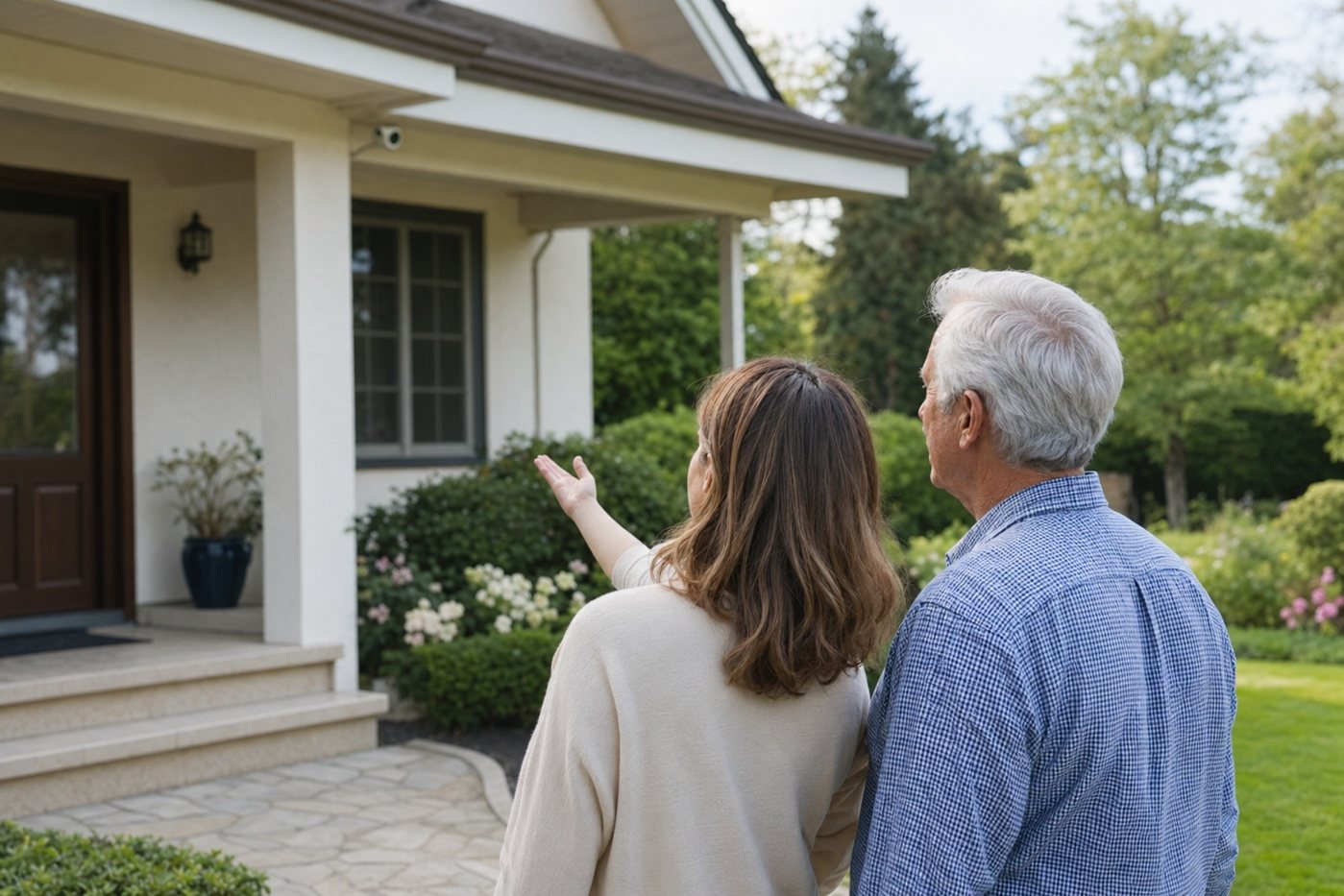
This page is for families who landed on an older Arlo Essential archive and need senior-specific buying and setup guidance. Treat it as a checklist before buying, reinstalling or giving caregivers access.
Arlo Essential can make sense when the family wants wireless camera coverage and is prepared to manage charging, Wi-Fi, app access and subscription settings. It should not be used as a substitute for professional alarm monitoring, medical-alert service or an emergency-response plan.
| Decision | Why it matters for seniors | Caregiver action |
|---|---|---|
| Battery vs. power | Wireless placement is convenient, but charging can become unsafe if it requires ladders, awkward reaches or frequent reminders. | Choose low, serviceable mounting spots or plan who will recharge each camera before installing it. |
| Wi-Fi coverage | Outdoor cameras often sit at the edge of the router's range, causing missed clips or delayed live view. | Test the exact location for several days before final mounting, including nighttime and bad weather. |
| Subscription expectations | Cloud recording, smart alerts, storage length and advanced detection may depend on the current Arlo plan and camera model. | Confirm current Arlo plan details directly before buying, then document what the family is paying for. |
| Notification volume | Too many motion alerts can increase anxiety and train everyone to ignore warnings. | Start with person or priority alerts only, then adjust motion zones after the first week. |
| Privacy boundaries | Indoor or backyard cameras can feel intrusive if the older adult does not control the decision. | Prefer exterior safety views and agree who can see live video, clips and notifications. |
| Emergency response | A camera can show a problem without guaranteeing that anyone calls for help. | Pair camera alerts with a written response plan and consider monitored security when dispatch matters. |
A camera can help a senior see visitors, deliveries and late-night activity without opening the door.
For long driveways or garages, a camera can reduce repeated trips outside to investigate noises or activity.
Wireless cameras can be useful during recovery, after a move or while evaluating whether the senior needs a fuller security system.
Short clips can help a family member tell whether an alert was a person, animal, package, vehicle or false motion.
If nobody is responsible for charging, firmware/app updates and subscription checks, choose a simpler wired doorbell, professional installation or a monitored system instead.
Privacy, consent, placement and caregiver-access planning before installing any camera.
Compare porch, driveway, side-gate and yard camera decisions for senior homes.
A broader camera hub for families who landed on old camera tag URLs.
A camera-forward system to compare when alarm monitoring and cameras should be in one ecosystem.
A professional-install option when cameras, smart locks and sensors should not be a DIY project.
Use this to define alerts, contacts, false-alarm handling and family roles.
They can be good for exterior awareness when a caregiver can manage charging, Wi-Fi, app settings and alerts. They are not a replacement for monitored alarm service or medical-alert support.
Start with the front door, driveway, garage or side gate. Avoid indoor cameras unless the senior clearly understands and agrees to the purpose, access and recording rules.
Maintenance. Wireless cameras still require battery charging, app updates, Wi-Fi troubleshooting and subscription checks. If those tasks will fall on the senior, a simpler option may be safer.
Often yes, but only with consent and a response plan. Alerts are useful when a trusted person knows what to check and when to call the senior or emergency services.