Security Cameras for Elderly Parents
The main family planning guide for privacy, placement, consent, shared access and useful camera locations.
This camera archive guide helps older adults and caregivers choose the right type of security camera without turning the home into a confusing alert machine. Start with one risk, one view and one response plan.
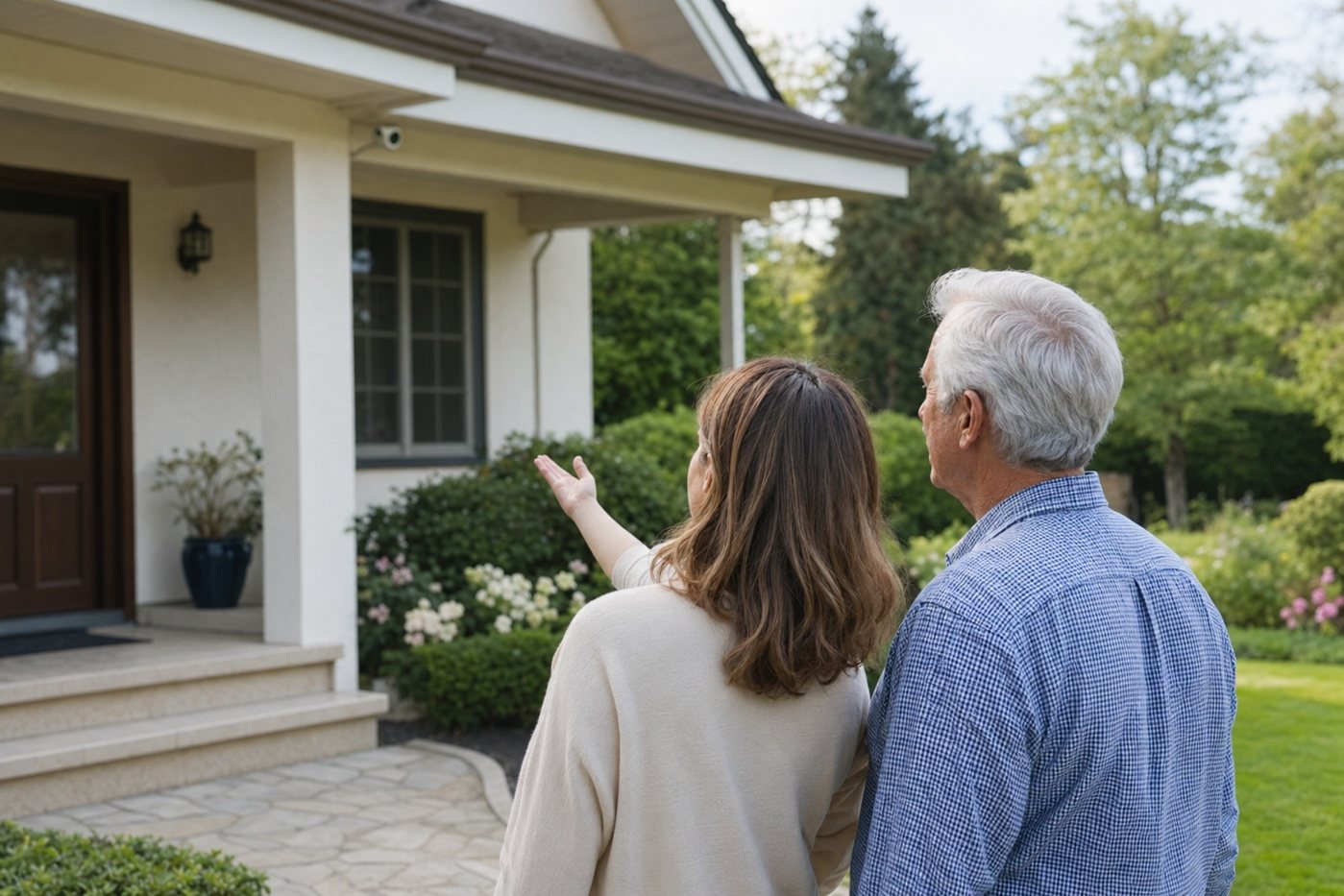
If you arrived from an old “cameras” tag URL, use this page as the practical hub. It points to the more specific senior camera pages and explains when cameras help, when they intrude and when a monitored home security system is a better fit.
The main family planning guide for privacy, placement, consent, shared access and useful camera locations.
Doorbells, outdoor cameras, caregiver permissions, privacy zones and camera-first security systems.
A senior-friendly archive for camera articles, category pages and older product searches.
Porch, driveway, garage, side-gate and yard coverage with power and ladder-safety cautions.
A wired front-door camera option for families focused on visitor screening and package visibility.
Doorbell camera considerations around visitor alerts, family sharing, plans and notification settings.
| Need | Camera type to consider | Senior-friendly setup tip |
|---|---|---|
| See visitors before opening the door | Video doorbell or porch camera | Use clear “person at front door” alerts and avoid broad sidewalk motion alerts. |
| Watch deliveries | Doorbell plus package area visibility | Create a delivery spot and tell the senior they do not need to answer the door immediately. |
| Check driveway, garage or side gate | Outdoor camera with night view | Pair with motion lighting and mount where maintenance is safe. |
| Help a caregiver troubleshoot alerts | Shared-access camera with limited permissions | Agree who can see live view, who reviews clips and when they should contact the senior. |
| Reduce worry while aging in place | Camera plus sensors or monitored alarm | Use cameras for visibility, but use monitoring for dispatch-critical risks. |
| Apartment or shared building | Doorbell or peephole-style camera where allowed | Check building rules and avoid filming neighbours' doors, windows or shared private areas. |
Most senior homes are better served by one tuned front-door camera and a basic home safety checklist than by a network of noisy cameras nobody manages.
Wireless camera considerations for caregivers, including battery maintenance, Wi-Fi and shared access.
Low-cost camera setup guidance focused on alert fatigue, privacy and emergency-response limits.
A model-specific checklist for older Wyze camera installs around senior homes.
Outdoor camera guidance for driveways, side yards, lights, sirens and caregiver notifications.
A camera-friendly alarm ecosystem to compare when families want monitoring and cameras together.
Professional installation for households that should not manage camera placement and setup alone.
Yes when they solve a clear problem such as visitor screening, delivery awareness or driveway visibility. They are less useful when alerts are noisy, privacy is unclear or nobody responds.
The front door is usually the best first location because it helps with visitor screening while avoiding private indoor spaces.
Often yes, but access should be limited, consent-based and tied to a clear response plan. The senior should know who can view live video and clips.
No. Cameras provide visibility and recordings. They usually do not replace door sensors, smoke monitoring, medical-alert devices or professional emergency dispatch.