Security Cameras for Elderly Parents
The main guide for camera placement, consent, caregiver access and avoiding surveillance-style setups.
Facial recognition and familiar-face alerts can reduce nuisance notifications, but they also introduce privacy, consent and reliability questions. For senior households, the feature should stay optional and tightly controlled.
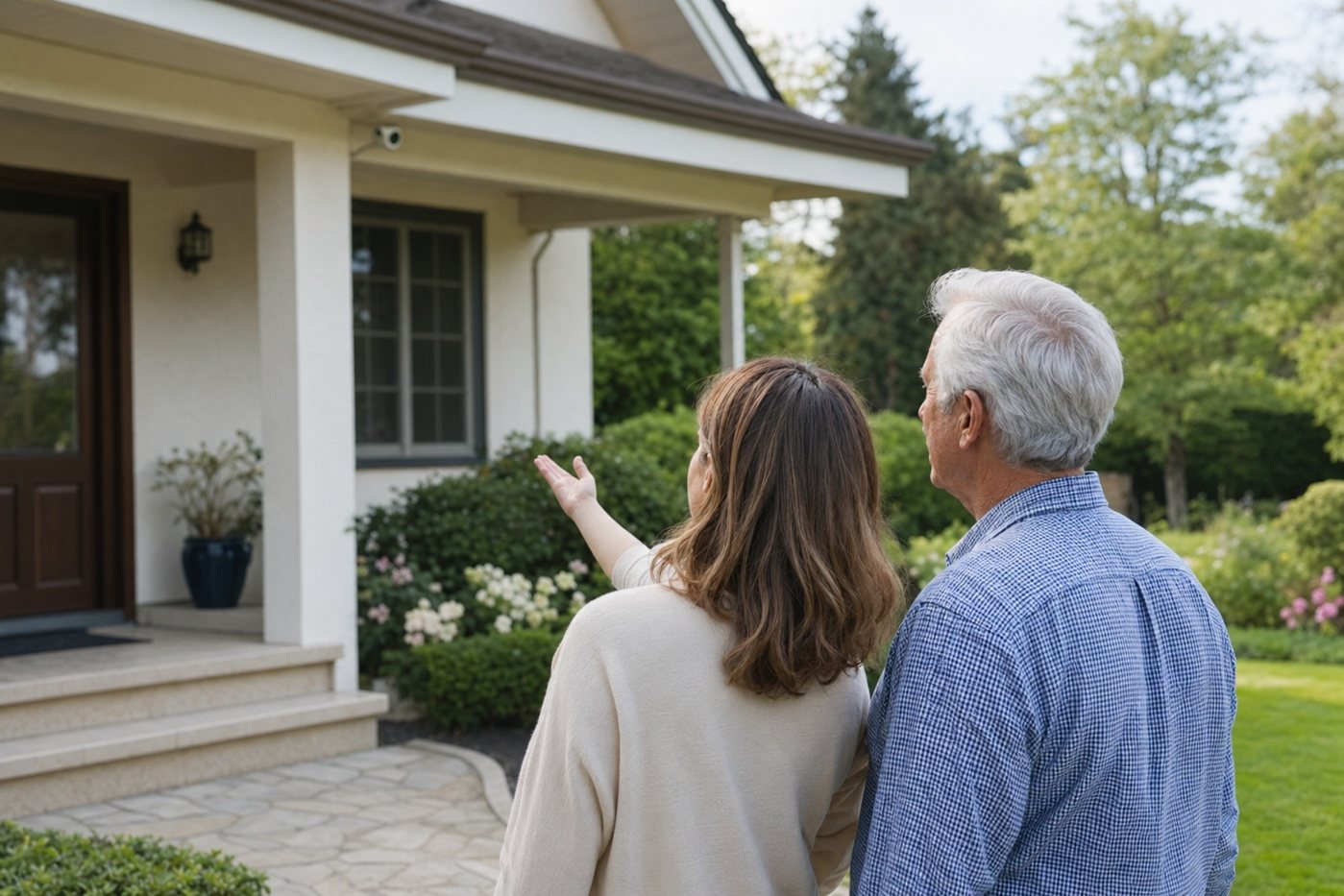
This tag page explains when facial recognition is useful, when ordinary person detection is safer, and how caregivers can set expectations before enabling face-based camera alerts.
| Use case | Helpful? | Senior-friendly guidance |
|---|---|---|
| Known caregiver arrives | Sometimes | Familiar-face alerts can reassure family, but should not become attendance tracking unless the caregiver and senior agree. |
| Unknown person at front door | Limited | Person detection plus a clear doorbell notification is often enough; do not rely on face matching to decide whether a visitor is safe. |
| Reducing repeated family alerts | Useful | Labelling regular visitors can reduce alert fatigue if the app explains the notification clearly. |
| Emergency monitoring | No | Facial recognition does not replace monitored alarms, medical alerts or a real emergency contact plan. |
| Apartment hallways | Usually avoid | Shared spaces create privacy and neighbour-consent problems; use a doorbell or peephole-style camera only where allowed. |
| Cognitive impairment | Use caution | If alerts might confuse or distress the senior, keep settings simple and involve a trusted caregiver. |
The main guide for camera placement, consent, caregiver access and avoiding surveillance-style setups.
Relevant for households comparing familiar-face alerts, visitor screening and Google Home family sharing.
A strong doorbell comparison even when you decide that motion zones and person alerts are preferable to face matching.
A broader camera hub covering outdoor cameras, doorbells, subscriptions, privacy zones and caregiver permissions.
Worth comparing if the family wants professionally installed cameras and help configuring smart detection rules.
Use this to document who receives camera alerts, who can view recordings and when settings should be reviewed.
For most senior households, enable person detection first. Add facial recognition only if the senior understands it, wants it and it solves a specific alert problem.
No. It can be convenient, but door sensors, doorbell cameras, lighting, monitored alarms and caregiver routines are usually more important.
Not reliably enough to make safety decisions. Treat it as an alert-management feature, not a guarantee that someone is safe or unsafe.
The senior should stay informed and in control where possible. If a caregiver manages settings, permissions and face labels should be reviewed together.