Google Nest Doorbell for Seniors
The full guide to battery vs wired Nest Doorbell, Google Home setup, smart alerts, subscriptions and caregiver support.
A Nest Doorbell can help an older adult screen visitors without opening the door, but the senior-friendly value comes from reliable power, quiet notifications and a caregiver who understands Google Home sharing.
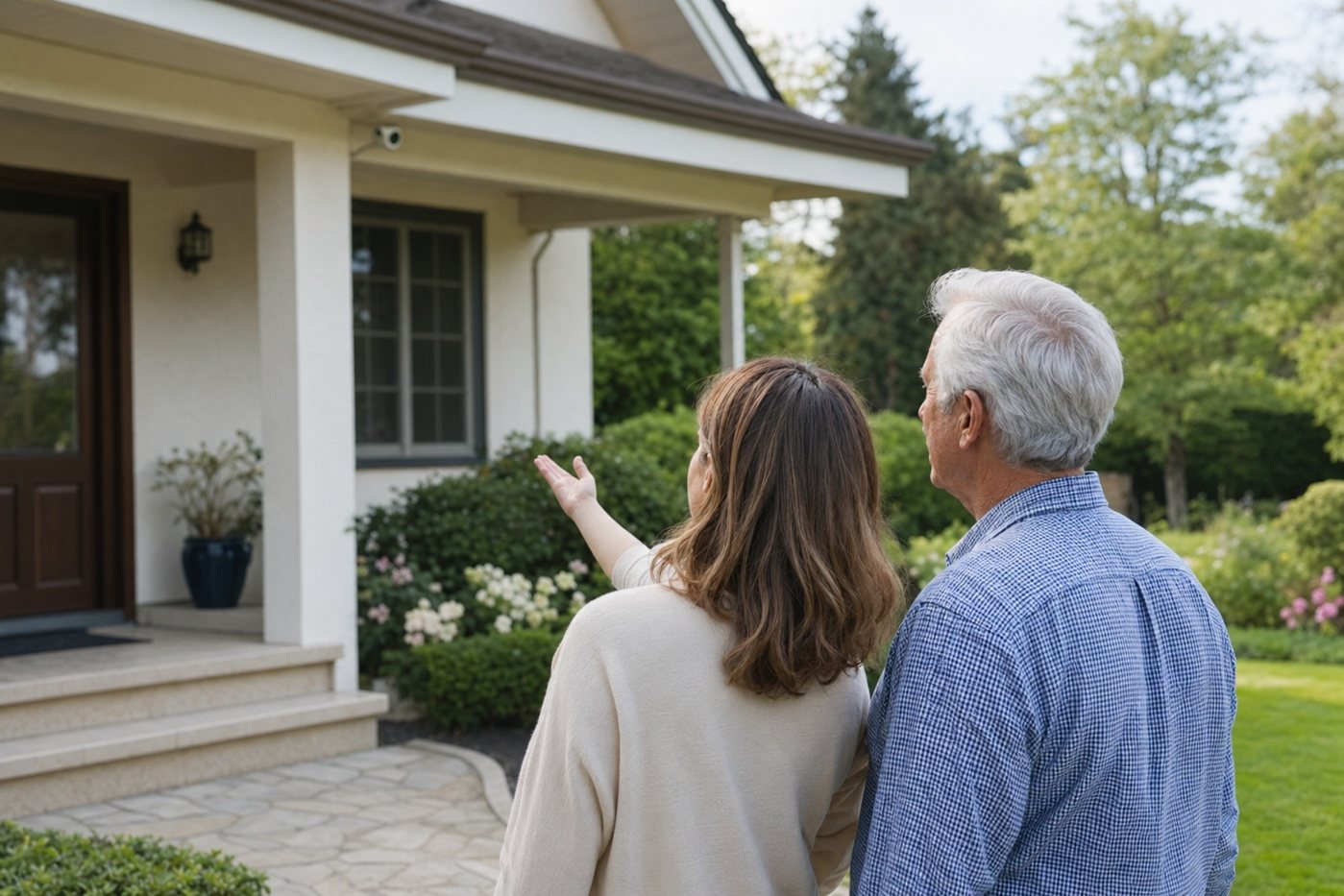
This topic page catches older Nest Doorbell searches and points families toward practical, senior-first setup guidance. Use it when you are deciding whether Google Nest belongs at a parent’s front door, how much maintenance the battery model adds, and what should be configured before the senior relies on it.
The full guide to battery vs wired Nest Doorbell, Google Home setup, smart alerts, subscriptions and caregiver support.
Compare Nest with Ring and other doorbell-camera approaches for visitor screening, two-way talk and alert fatigue.
Privacy, consent and camera-placement guidance before adding front-door video around an older adult’s home.
What families should understand before relying on familiar-face style alerts or person detection for a senior household.
| Setup decision | Best senior-friendly choice | Why it matters |
|---|---|---|
| Power | Use compatible wired power when available | It avoids routine battery removal and charging, which can become a hidden caregiver task. |
| Notifications | Start with doorbell press and person alerts | Broad motion alerts can create stress, especially near footpaths, trees or busy streets. |
| Viewing | Pair with a simple phone routine or display | The senior needs a clear way to see visitors, not just a camera installed outside. |
| Access | Use named caregiver accounts | It is safer and easier to review than one shared password across family members. |
| Privacy | Limit view and recording areas | Doorbell cameras should protect the entrance without recording unnecessary neighbour or household activity. |
Nest Doorbell is most useful for seniors when it becomes a calm front-door routine, not another app the older adult has to troubleshoot alone.
It can be a good fit when Wi-Fi is reliable, alerts are tuned and a caregiver can help with Google Home settings. It is less suitable when the senior must manage subscriptions, charging and app troubleshooting alone.
Wired is usually easier long term if compatible wiring already exists. Battery can work for rentals or homes without wiring, but a caregiver should own the recharge schedule.
No. It helps with visitor screening and recordings, but it does not replace monitored burglary, fire, carbon monoxide or medical-alert response.