Google Nest Doorbell for Seniors
The complete senior-focused Nest Doorbell guide, including battery vs wired setup, notifications and caregiver access.
Google security devices can help older adults screen visitors and share camera access with caregivers, but only when the setup is simple enough to use every day.
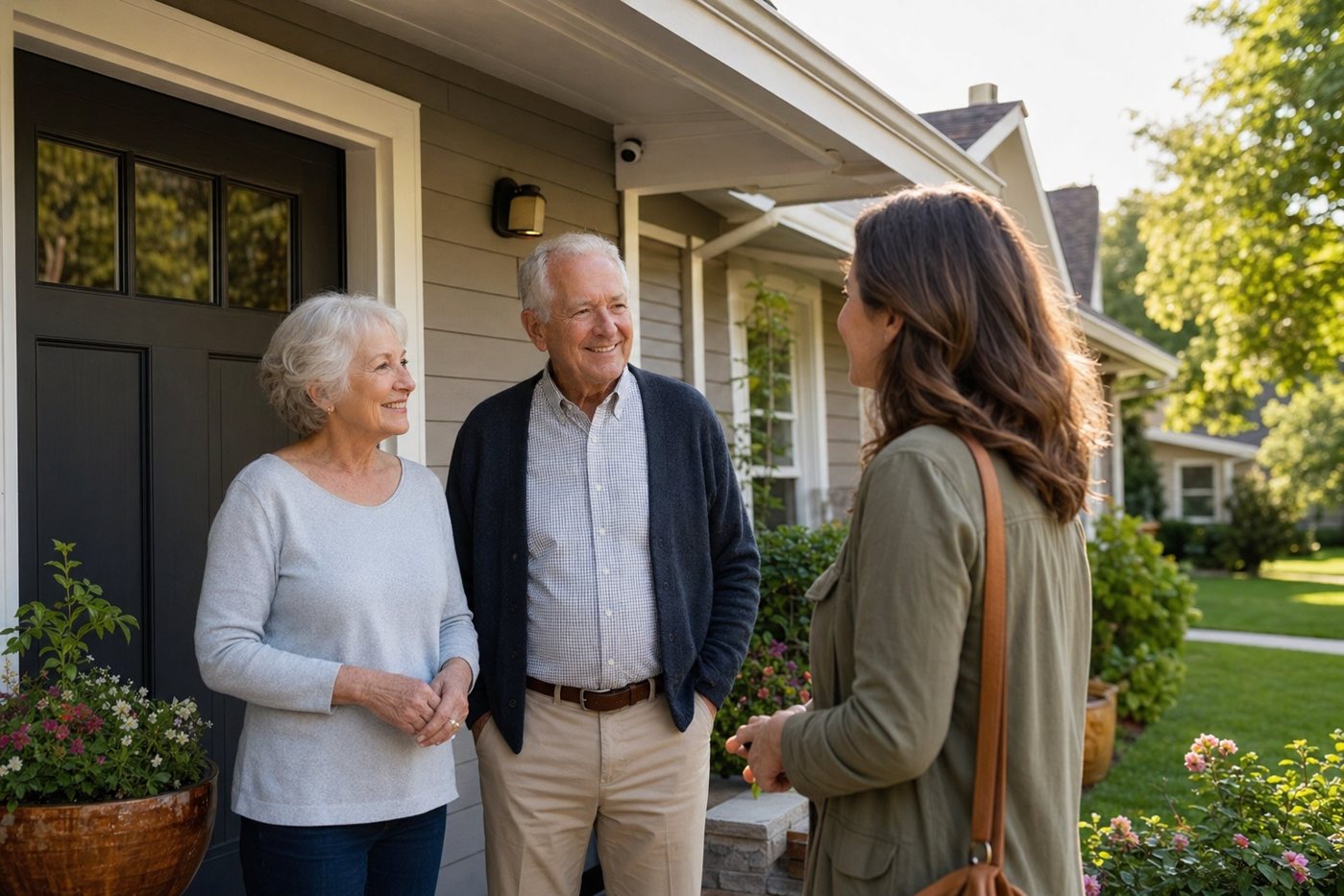
Google security devices can be a good fit for seniors when the home already uses Google Home, Nest displays or Android phones. The key is making the system simple: a clear visitor routine, tuned alerts, caregiver sharing and a backup plan for emergencies that cameras do not handle.
The complete senior-focused Nest Doorbell guide, including battery vs wired setup, notifications and caregiver access.
A focused hub for front-door screening, Google Home sharing and doorbell-camera maintenance.
When battery devices help renters and when they create too much charging work for an older adult.
Camera consent, placement and family access decisions before installing Google or any other camera brand.
| Decision | Senior-friendly choice | Why it matters |
|---|---|---|
| Doorbell power | Prefer compatible wiring when available | Battery charging is easy to forget and may require ladder or porch access. |
| Alerts | Start with doorbell press and person alerts | Broad motion alerts can become stressful and get ignored. |
| Viewing | Use one simple routine: phone, display or speaker | The senior needs to know exactly how to check a visitor in the moment. |
| Caregiver access | Add trusted people through account sharing | Named access is safer than passing around the senior’s login. |
| Emergency coverage | Pair cameras with alarms or medical alert devices when needed | Google cameras can show events, but they do not replace monitored emergency response. |
Google security gear works best for seniors when the tech disappears into a simple routine instead of becoming another app to manage.
It can be, especially when the home already uses Google Home and a caregiver can help with setup. It is less ideal if the senior must manage Wi-Fi issues, subscriptions and device sharing alone.
No. It helps with visitor screening and recorded events, but it does not replace monitored burglary, fire, carbon monoxide or medical-alert response.
They can help if announcements are clear and not startling. Test the routine with the older adult before relying on voice or display alerts.